Skip to content
studiofly.
A BETTER WELCOME STARTS HERE

Biometric & face recognition devices.
Made to fit your studio.

A familiar face. A simple check-in. Connect compatible eSSL and ZKTeco attendance devices to StudioFly, so your team can spend less time at the register and more time with your people.

From the team behind MyGymDesk
THE CONNECTED FRONT DESK
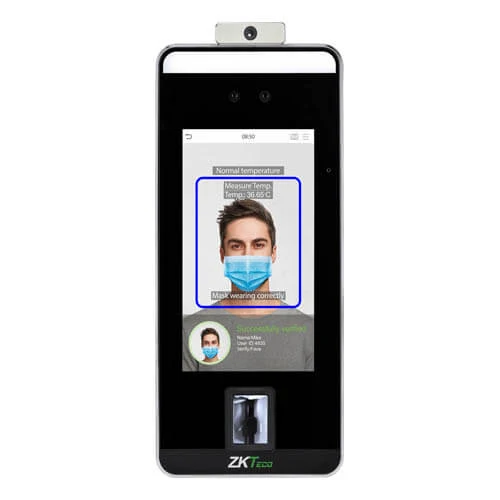
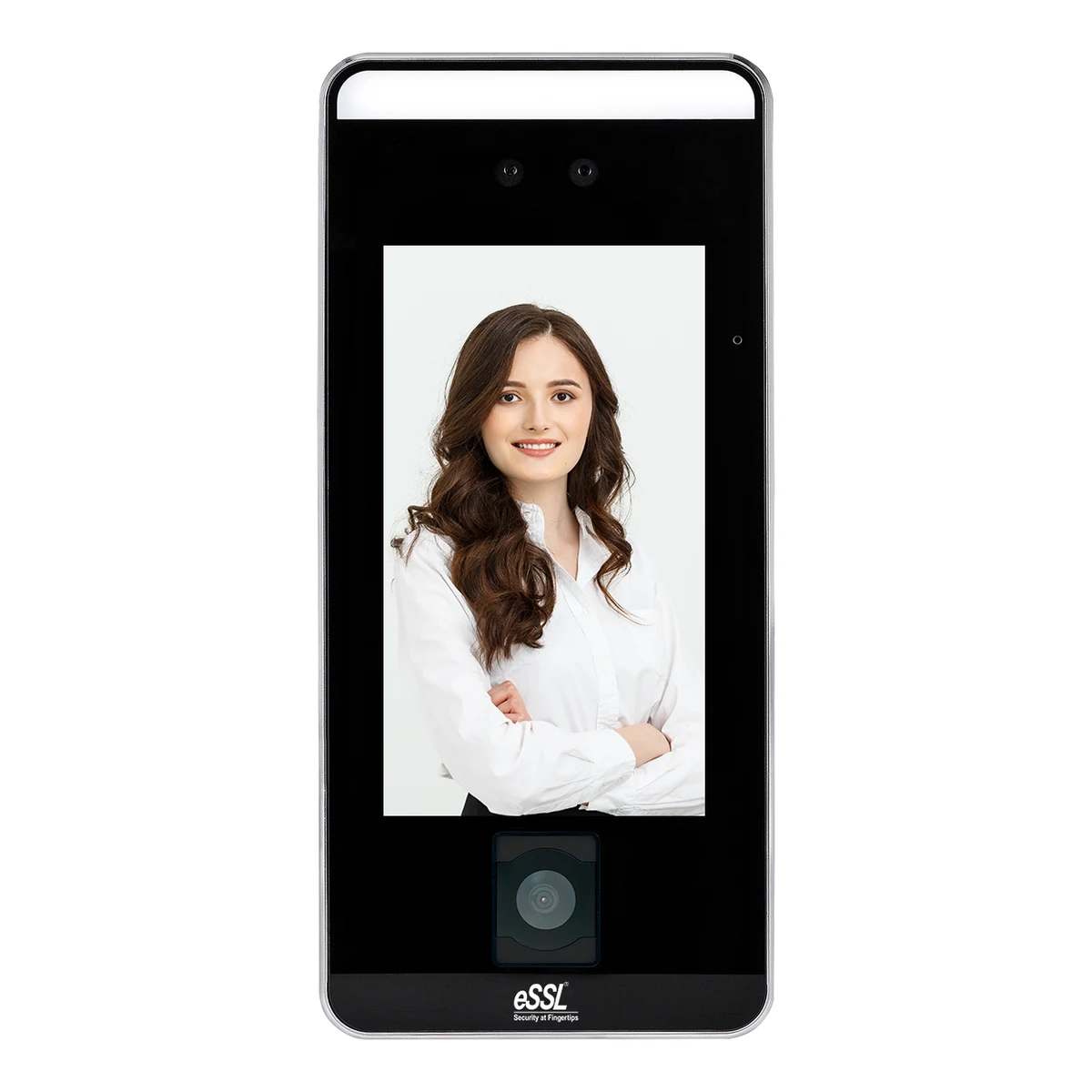
eSSL Aiface Mars face recognition attendance terminaleSSL F22 fingerprint terminal
A little less admin at the door.

Face recognition or fingerprint. Your choice.

Real hardware. Compatible with StudioFly.
13 compatible eSSL & ZKTeco models Attendance connected to your studio Hardware purchased separately
FIND YOUR FRONT-DESK FIT

Small details. A smoother arrival.

All 13 devices below are compatible with StudioFly. Compare fingerprint and face recognition machines for Pilates, yoga, martial arts and fitness studios, and choose the right fit for your check-in needs.

13 devices · Software and hardware are separate purchases

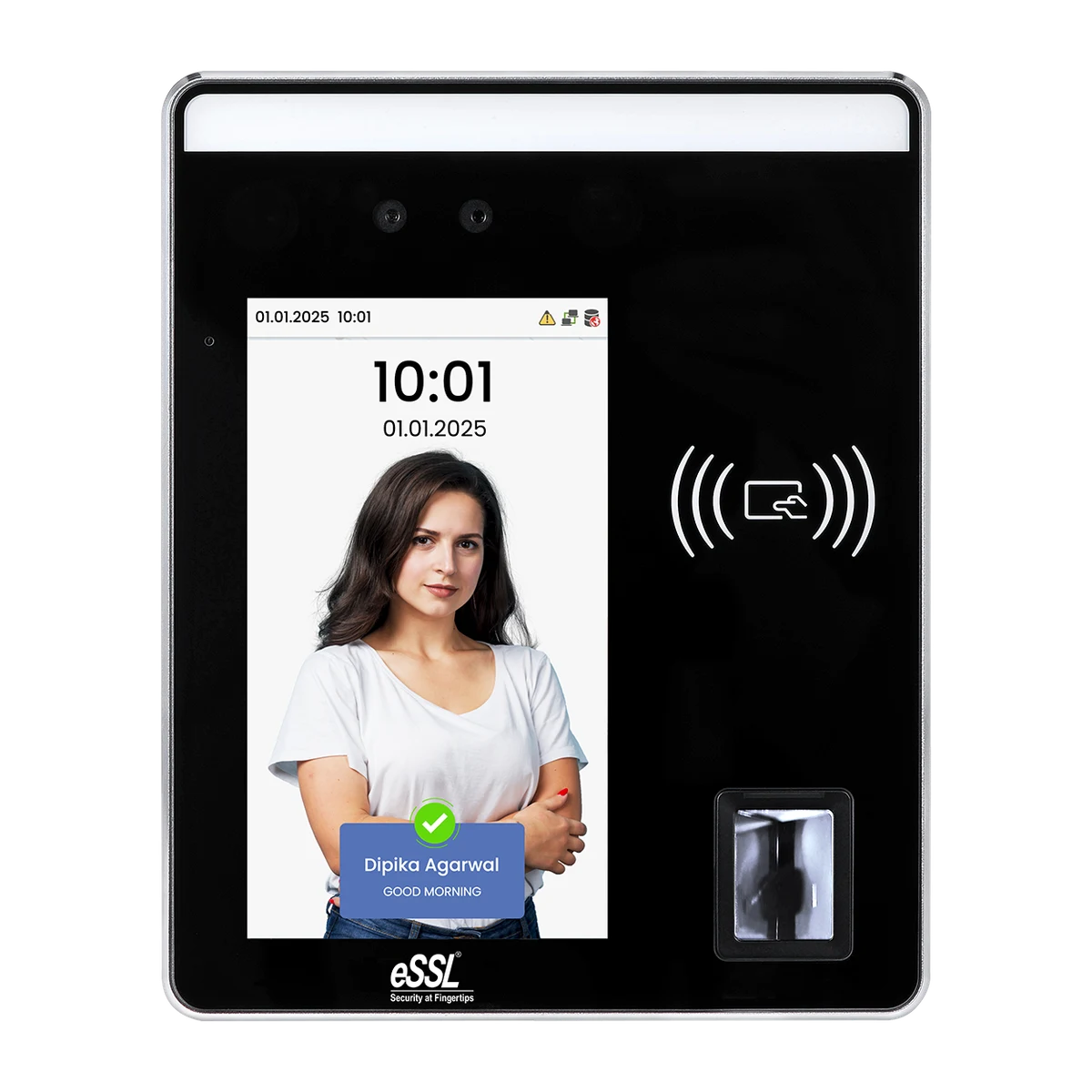
Face + fingerprinteSSL Aiface Orcus attendance device
Compatible with StudioFly

eSSL Aiface Orcus

Two ways to check in, in one compact device.

Capacity
1,500 faces · 3,000 fingerprints
Display
2.4-inch display
Connection
Ethernet · Wi-Fi
Manufacturer specifications
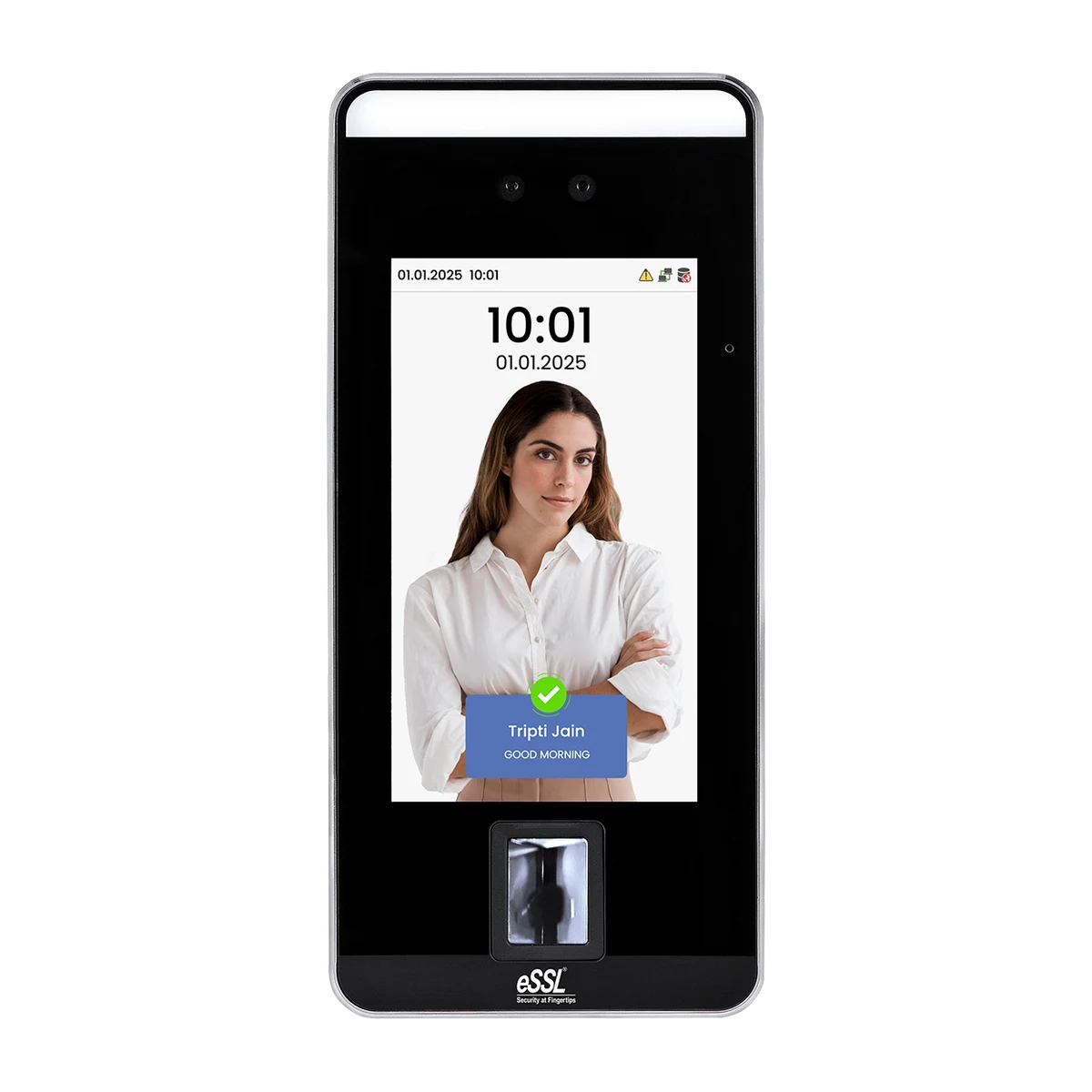
Face recognitioneSSL Aiface Mars attendance device
Compatible with StudioFly

eSSL Aiface Mars

A touch-free welcome for a busy studio entrance.

Capacity
3,000 faces
Display
5-inch touchscreen
Connection
Ethernet · optional Wi-Fi
Manufacturer specifications
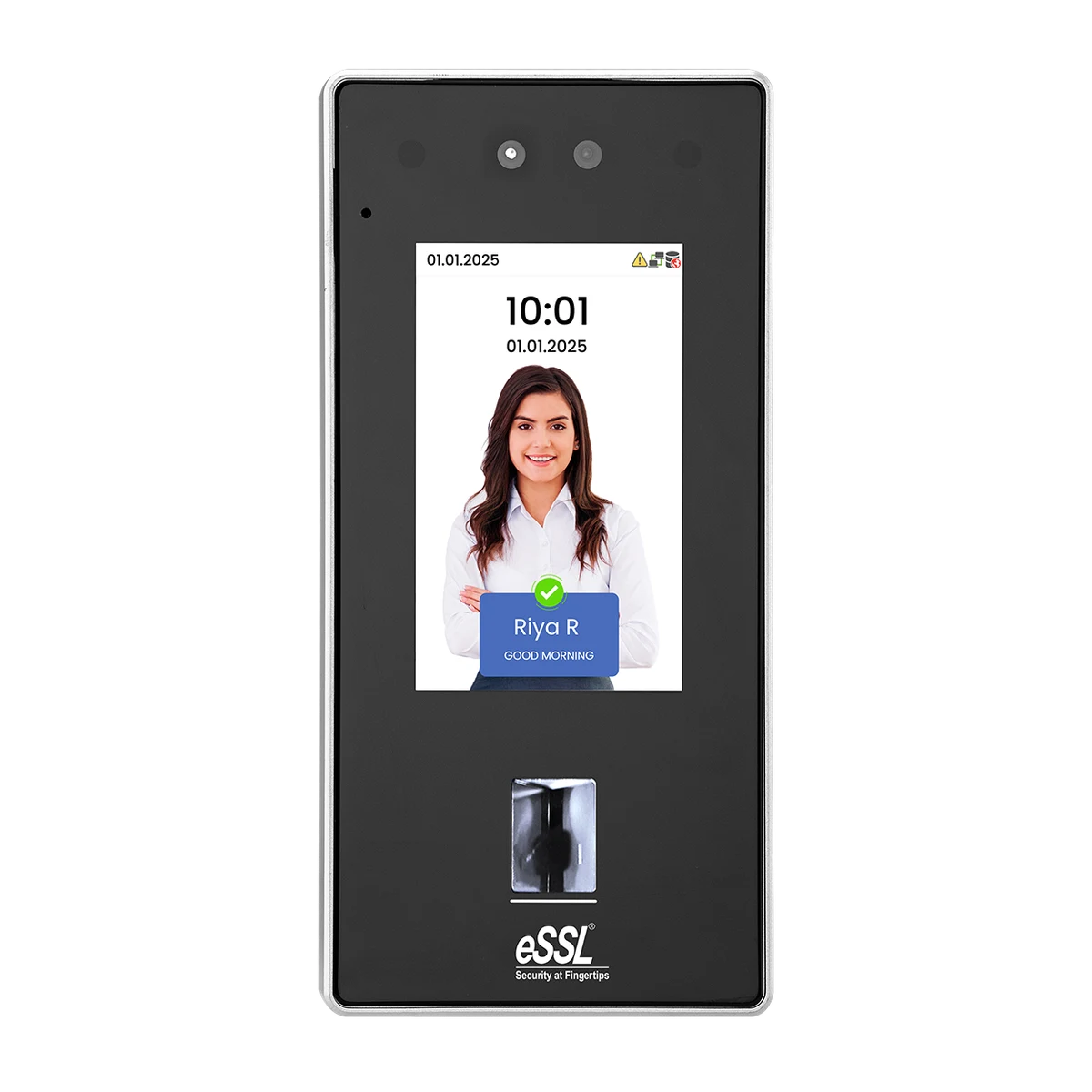
Face + fingerprinteSSL MB160 attendance device
Compatible with StudioFly

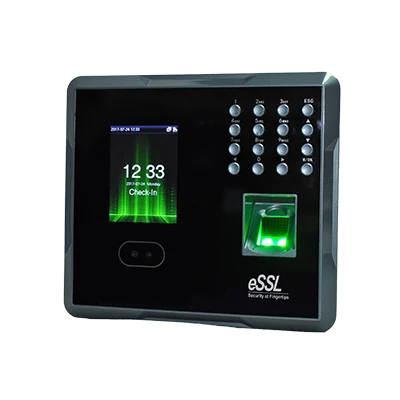
eSSL MB160

Compact face and fingerprint unit for a single-door studio entrance.

Capacity
1500 faces · 2000 fingerprints
Display
2.8 inch TFT screen
Connection
TCP/IP, USB host (GPRS optional)
Manufacturer specifications
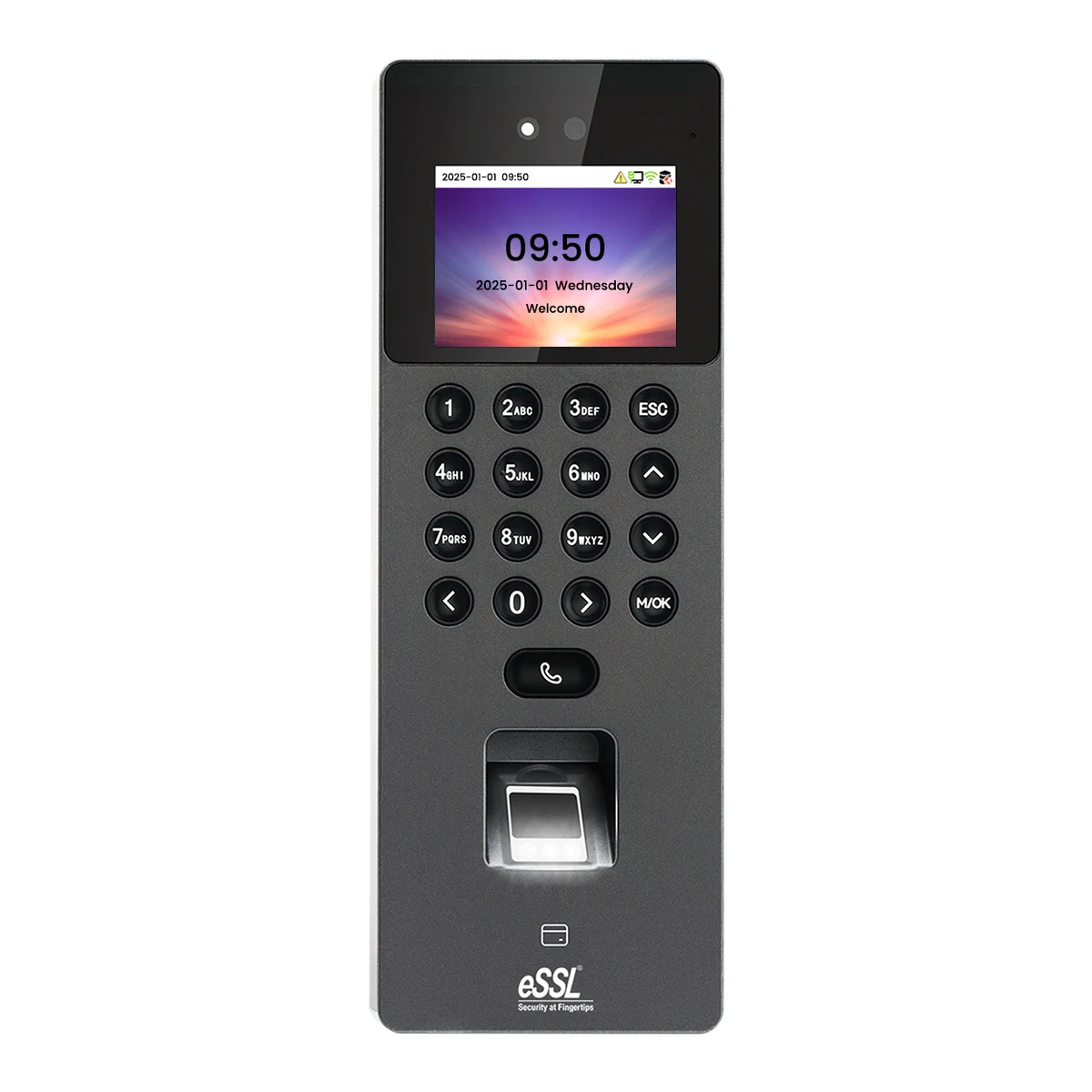
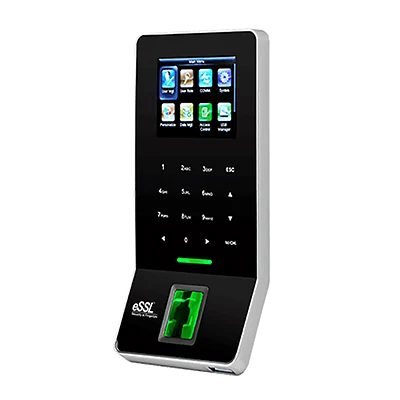
FingerprinteSSL F22 attendance device
Compatible with StudioFly

eSSL F22

A slim fingerprint terminal for a considered front desk.

Capacity
3,000 fingerprints
Display
2.8-inch display
Connection
Ethernet · built-in Wi-Fi
Manufacturer specifications
FingerprinteSSL K30 Pro attendance device
Compatible with StudioFly

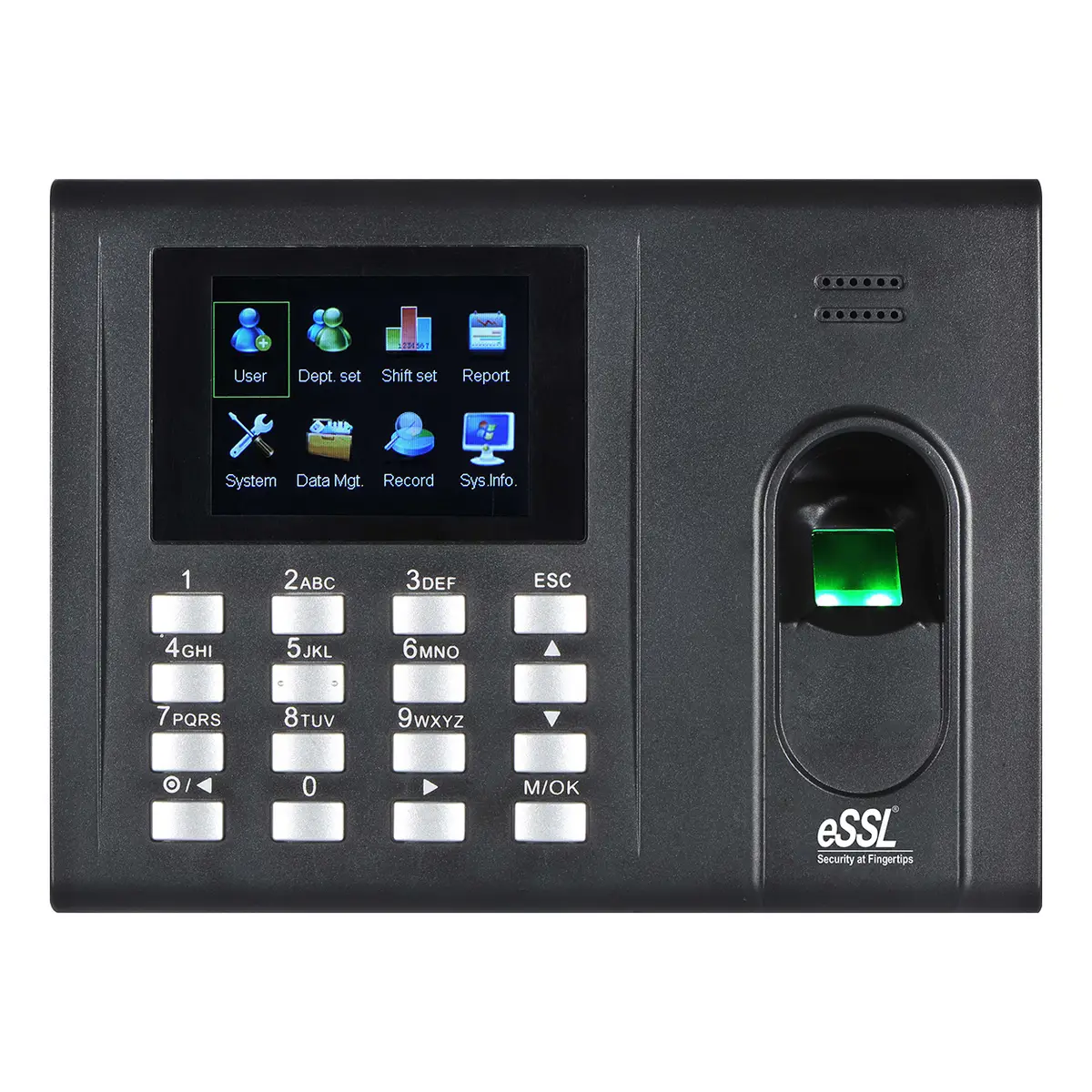
eSSL K30 Pro

Desk or wall fingerprint terminal with a large transaction buffer.

Capacity
2000 fingerprints
Display
2.8" TFT screen
Connection
TCP/IP, USB host
Manufacturer specifications
FingerprinteSSL X990 attendance device
Compatible with StudioFly

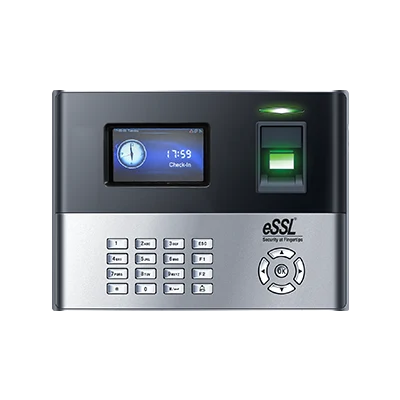
eSSL X990

High-capacity fingerprint terminal — 10000 prints.

Capacity
10000 fingerprints
Display
3" colour TFT
Connection
TCP/IP, USB (Wi-Fi and GPRS optional)
Manufacturer specifications
Face + fingerprinteSSL Aiface Arion attendance device
Compatible with StudioFly

eSSL Aiface Arion

Six thousand faces and six thousand fingerprints on a 5-inch terminal.

Capacity
6,000 (1:N) faces · 6,000 (1:N) fingerprints
Display
5 inch
Connection
TCP/IP, Wiegand (input & output), RS485, Wi-Fi
Manufacturer specifications
Face + fingerprinteSSL Aiface Jupiter attendance device
Compatible with StudioFly

eSSL Aiface Jupiter

Wide 5-inch terminal, 6000 faces expandable to 10000.

Capacity
6,000 (standard); 10,000 (optional) faces · 6,000 fingerprints
Display
5 inch touch screen
Connection
TCP/IP, Wi-Fi (optional), Wiegand input/output, RS485
Manufacturer specifications
Face + fingerprinteSSL Aiface Eris attendance device
Compatible with StudioFly

eSSL Aiface Eris

Four-inch face and fingerprint terminal with a 2,00,000 transaction buffer.

Capacity
3000 faces · 3000 fingerprints
Display
4 inch colour LED touch screen
Connection
TCP/IP, Wiegand (input & output), RS485, Wi-Fi
Manufacturer specifications
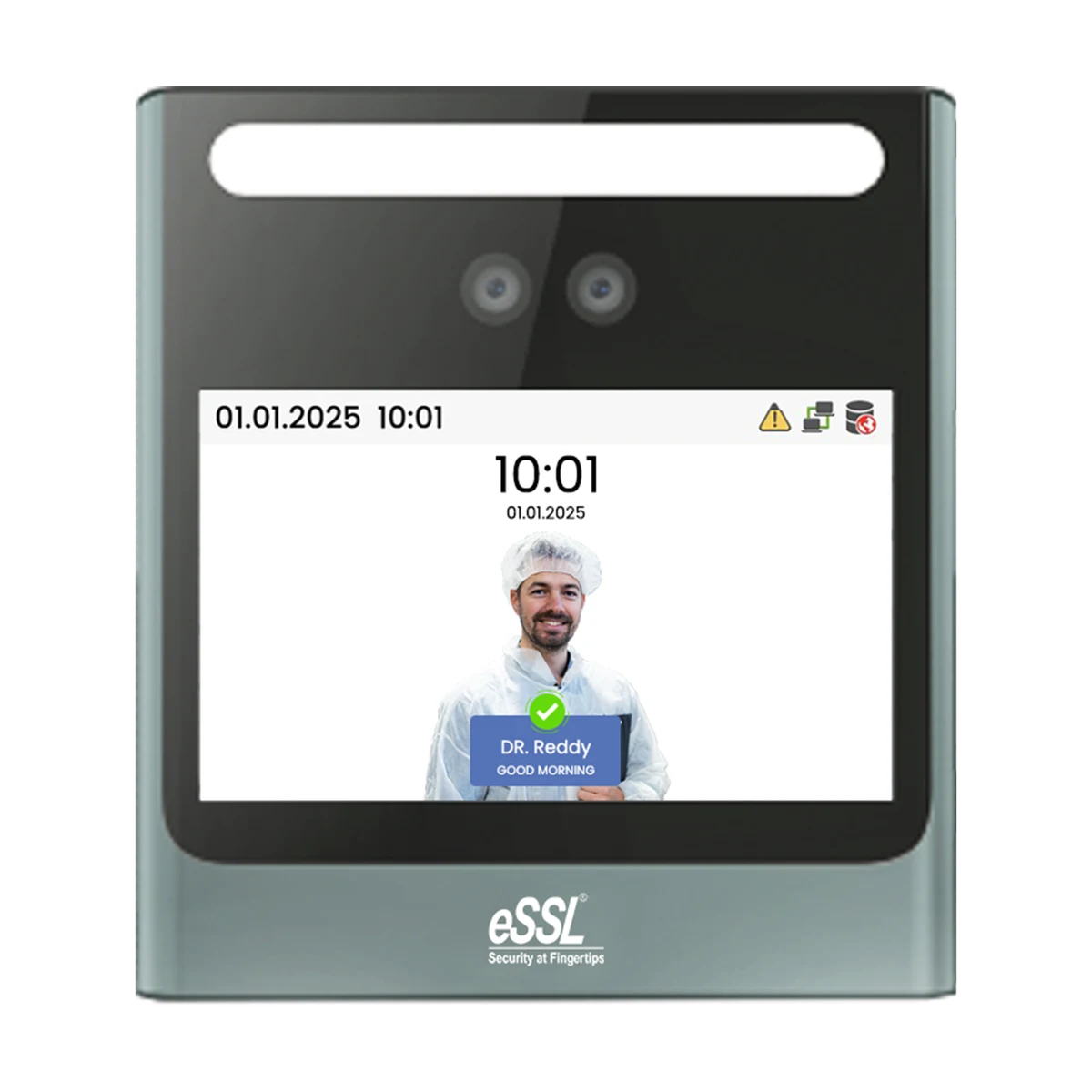
Face recognitioneSSL Aiface Neptune attendance device
Compatible with StudioFly

eSSL Aiface Neptune

Small face terminal with Wi-Fi built in, for a studio door.

Capacity
500 faces
Display
4.3 inch touch screen
Connection
TCP/IP, Wi-Fi (inbuilt), USB host
Manufacturer specifications
Face + fingerprintZKTeco SpeedFace-V5L attendance device
Compatible with StudioFly

ZKTeco SpeedFace-V5L

A face-recognition family with several hardware variants.

Capacity
Confirm exact model variant
Display
5-inch touchscreen
Connection
Ethernet · Wi-Fi varies
Manufacturer specifications
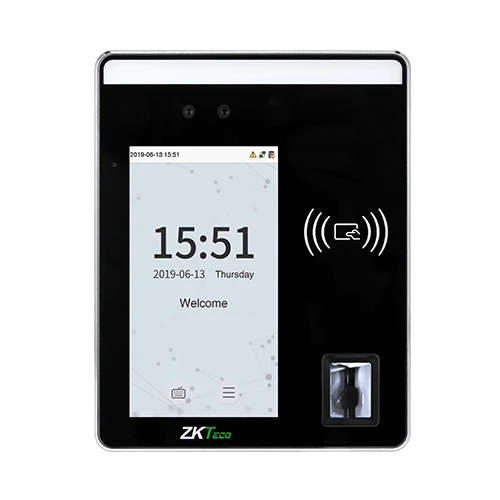
Face + fingerprintZKTeco SpeedFace-H5L attendance device
Compatible with StudioFly

ZKTeco SpeedFace-H5L

Wide-body 5-inch terminal with 10,000 fingerprints.

Capacity
6,000 faces · 10,000 fingerprints
Display
5 inch touch screen
Connection
TCP/IP, Wi-Fi (optional), Wiegand input/output, RS485
Manufacturer specifications
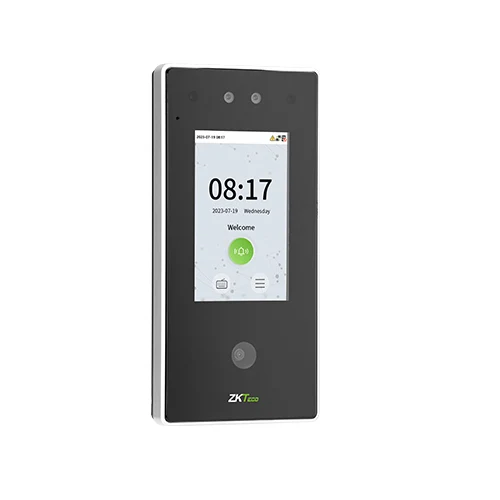
Face + fingerprintZKTeco SpeedFace-V4L Pro attendance device
Compatible with StudioFly

ZKTeco SpeedFace-V4L Pro

Four-inch face terminal with a binocular camera and two-way audio.

Capacity
6,000 (1:N) standard / 10,000 (1:N) optional faces · 6,000 (1:N) standard (Pro model) fingerprints
Display
4" TFT colour touch LED screen (480×800)
Connection
TCP/IP, Wi-Fi 2.4/5 GHz, Wiegand (input & output), RS485, USB Type A
Manufacturer specifications

All 13 listed models are compatible with StudioFly. Hardware options, capacities and installation requirements vary by model. Device images are representative; confirm the exact configuration with your dealer.

THE SIDE-BY-SIDE VIEW

Choose the welcome that works.

Get help choosing a device
Biometric and face recognition device comparison
DeviceCheck-in methodsConnectivityCompatibility
eSSL Aiface OrcusFace, fingerprint, card & passwordEthernet · Wi-FiCompatible with StudioFly
eSSL Aiface MarsFace, card & passwordEthernet · optional Wi-FiCompatible with StudioFly
eSSL MB160Face + fingerprintTCP/IP, USB host (GPRS optional)Compatible with StudioFly
eSSL F22Fingerprint, card & passwordEthernet · built-in Wi-FiCompatible with StudioFly
eSSL K30 ProFingerprintTCP/IP, USB hostCompatible with StudioFly
eSSL X990FingerprintTCP/IP, USB (Wi-Fi and GPRS optional)Compatible with StudioFly
eSSL Aiface ArionFace / Fingerprint / Card / Password (virtual keypad)TCP/IP, Wiegand (input & output), RS485, Wi-FiCompatible with StudioFly
eSSL Aiface JupiterFace / Fingerprint / Card / PasswordTCP/IP, Wi-Fi (optional), Wiegand input/output, RS485Compatible with StudioFly
eSSL Aiface ErisFace / Fingerprint / Card / PasswordTCP/IP, Wiegand (input & output), RS485, Wi-FiCompatible with StudioFly
eSSL Aiface NeptuneFace / Password / Card (optional)TCP/IP, Wi-Fi (inbuilt), USB hostCompatible with StudioFly
ZKTeco SpeedFace-V5LDepends on the selected variantEthernet · Wi-Fi variesCompatible with StudioFly
ZKTeco SpeedFace-H5LFace / Fingerprint / Card / PasswordTCP/IP, Wi-Fi (optional), Wiegand input/output, RS485Compatible with StudioFly
ZKTeco SpeedFace-V4L ProFace / Fingerprint / Palm (optional) / Card (optional) / PasswordTCP/IP, Wi-Fi 2.4/5 GHz, Wiegand (input & output), RS485, USB Type ACompatible with StudioFly

Specifications follow the existing MyGymDesk device catalogue and linked manufacturer sources. Options and capacities can vary by model revision. Use the manufacturer links above before purchasing.

THOUGHTFUL HARDWARE. EVERYDAY EASE.

Start with your people. Then choose the device.

A biometric machine should suit how your studio operates, not dictate it. Think about busy arrival times, where the device will sit and how members prefer to check in.

Face recognition: a touch-free arrival

A face recognition attendance device can make arrival feel natural when members are carrying mats, bags or equipment. Positioning, lighting and the exact recognition hardware matter. Test the proposed location with your installer, and keep an alternative check-in method available.

Fingerprint: compact and familiar

A fingerprint attendance machine offers a familiar check-in process in a small footprint. Consider how the reader performs for your members after exercise and how you will manage enrolment. A card or staff-assisted alternative can help when a fingerprint cannot be read.

Connected attendance, not just a machine

The useful part is connecting an attendance event to the right member record. Compatible ADMS devices send events through a configured internet connection. Before rollout, check user-ID mapping, connectivity and sample attendance records with the team—not just whether the device powers on.

ONE CONNECTED ARRIVAL

From the door
to your studio day.

The device records an event. The configured connection sends it through. Your team can follow attendance alongside the member’s profile.

Explore the attendance workflow
  1. 01 / Check in at the device
  2. 02 / Send through the configured network
  3. 03 / Match to the member’s attendance
HOW IT COMES TOGETHER

A little preparation. A better setup.

  1. 01

    Share your exact model

    Choose from the 13 compatible models, or tell us which one you already own. Share its firmware version and communication settings so our team can guide the configuration. For new hardware, confirm the options you need with an authorised supplier.

  2. 02

    Confirm the complete setup

    Check software-plan eligibility, the network connection and any installation needs. Wi-Fi availability is device-specific. Door control, additional wiring and third-party installation are separate considerations.

  3. 03

    Enrol, map and test

    Follow an appropriate member enrolment process, map device IDs to member records and test attendance end to end. Include reconnection tests and agree a fallback check-in workflow with your front-desk team.

A LITTLE MORE CLARITY

Your questions, answered.

Want to talk through your own setup?

Let’s have a conversation
How do biometric devices connect to StudioFly?

All 13 listed devices connect through an ADMS push connection to send attendance events over the internet. The team guides device and network configuration, then helps map device user IDs to member records. A successful test punch confirms that your installation is set up correctly.

Can I use the eSSL or ZKTeco device I already own?

Yes—all 13 models listed on this page are compatible with StudioFly, including existing devices. Share your model name and communication settings with our team so we can guide the setup. If your device is not in the catalogue, ask us about that specific model before purchasing or replacing it.

What is the price of a biometric or face recognition machine?

Hardware prices depend on the model, supplier, taxes and installation. StudioFly does not sell these devices or publish a fixed hardware price. Buy from the manufacturer or an authorised dealer; our team can help you choose from the 13 compatible models. Your software subscription, device purchase, network and any installation costs are separate.

Does a biometric attendance device need a computer running all day?

A compatible ADMS device can send events directly through its configured network connection without a continuously running front-desk computer. Internet connectivity and the correct device configuration are still needed. Offline storage and delayed synchronisation depend on the model and should be tested during setup.

Does checking in also book a class or deduct a session credit?

Do not treat an entrance attendance event as proof of a class booking or automatic session-credit deduction. Class capacity, bookings and attendance are related but distinct workflows. We will walk through your class check-in process in a demo so you can confirm what your studio needs.

Can the same device control a door or turnstile?

Some models include access-control interfaces. Door locks, controllers, wiring and permission behaviour require separate checks by a qualified installer. Attendance integration alone is not a promise that a particular door, turnstile or membership-based access rule will work.

What should we consider before enrolling members?

Explain the purpose of biometric attendance to members, assess your privacy obligations and confirm how the selected device stores and deletes enrolment data. Agree an alternative check-in process for people who cannot use biometrics. Ask the installer and our team about the exact data flow rather than assuming every device handles data in the same way.

YOUR NEXT CHAPTER STARTS HERE

Make every arrival
feel effortless.

Tell us about your studio, your existing device or the models you’re considering. We’ll help you check the fit before you invest.
Book a studio walkthroughA personal walkthrough with the MyGymDesk team.