Class booking software for yoga, Pilates, dance and fitness studios
Fewer messages.
Members find a class, book their spot, join the waitlist and pay in the StudioFly member app, while your team sees every booking against the capacity you set. Your timetable stops living in Instagram DMs, WhatsApp chats and a spreadsheet.
From the team behind MyGymDesk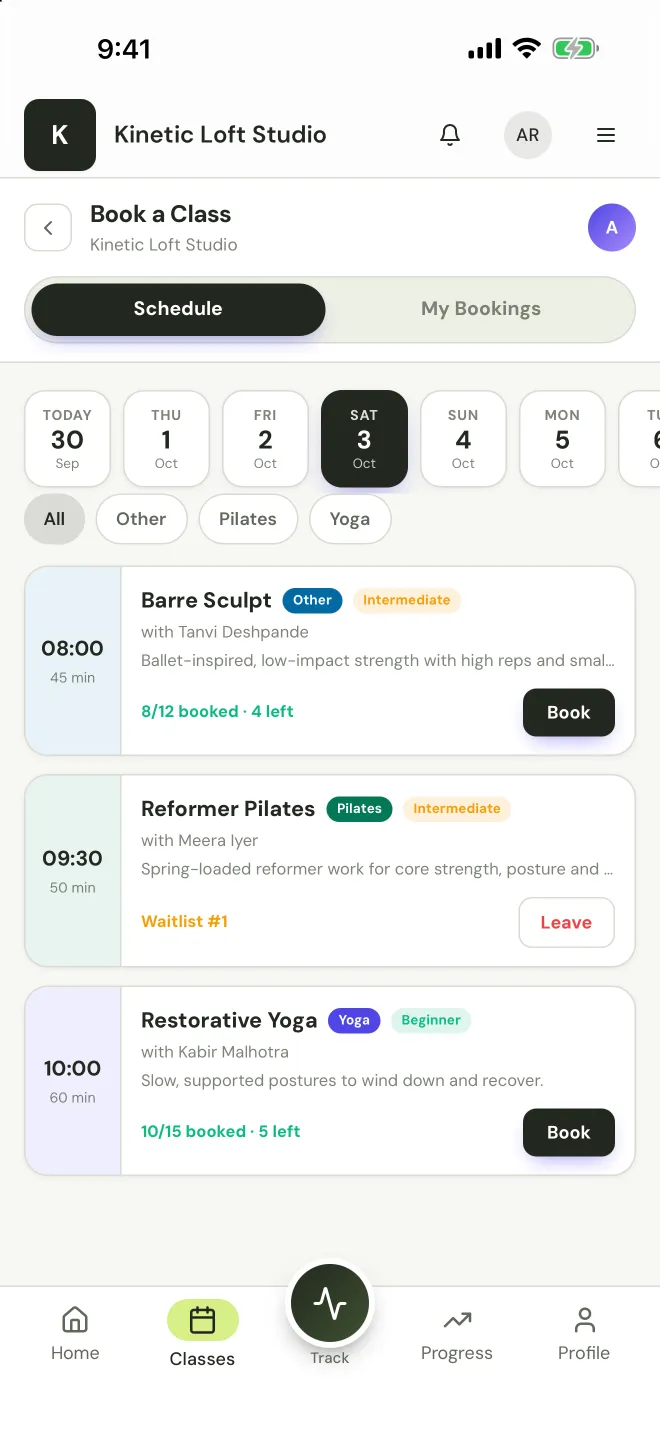
What is class booking software?
Class booking software lets members book a place in a class online instead of messaging the studio to ask. With StudioFly, members see your timetable in the member app and book their own spot, up to the capacity you set for each class. When a class is full they join the waitlist themselves, and the first person waiting is moved in automatically when a place frees up. They cancel or reschedule within your cancellation window, and a late cancellation or no-show can automatically cost a class credit. Class packs, unlimited passes and memberships sit behind every booking, with credits deducted when a member attends, and members pay online where your plan includes online payments. Booking confirmations and class reminders go out on WhatsApp. Your team sees every class’s bookings, waitlist and attendance in the owner app, and new clients can book a trial class from your online booking page.
Online class booking, from timetable to check-in
- 01
Find a class
Members open the timetable in the member app, filter by discipline and see how many spots are left in each class.
- 02
Book a spot
One tap books their spot, up to the capacity you set. When a class is full, they join the waitlist instead.
- 03
Pay or use a pack
The booking draws on their class pack, pass or membership, or they buy a pack online where your plan includes online payments.
- 04
Get reminded, then check in
A WhatsApp confirmation and reminder go out before class, and members check in with your studio’s QR code when they arrive.
Spot booking and waitlists that keep classes full
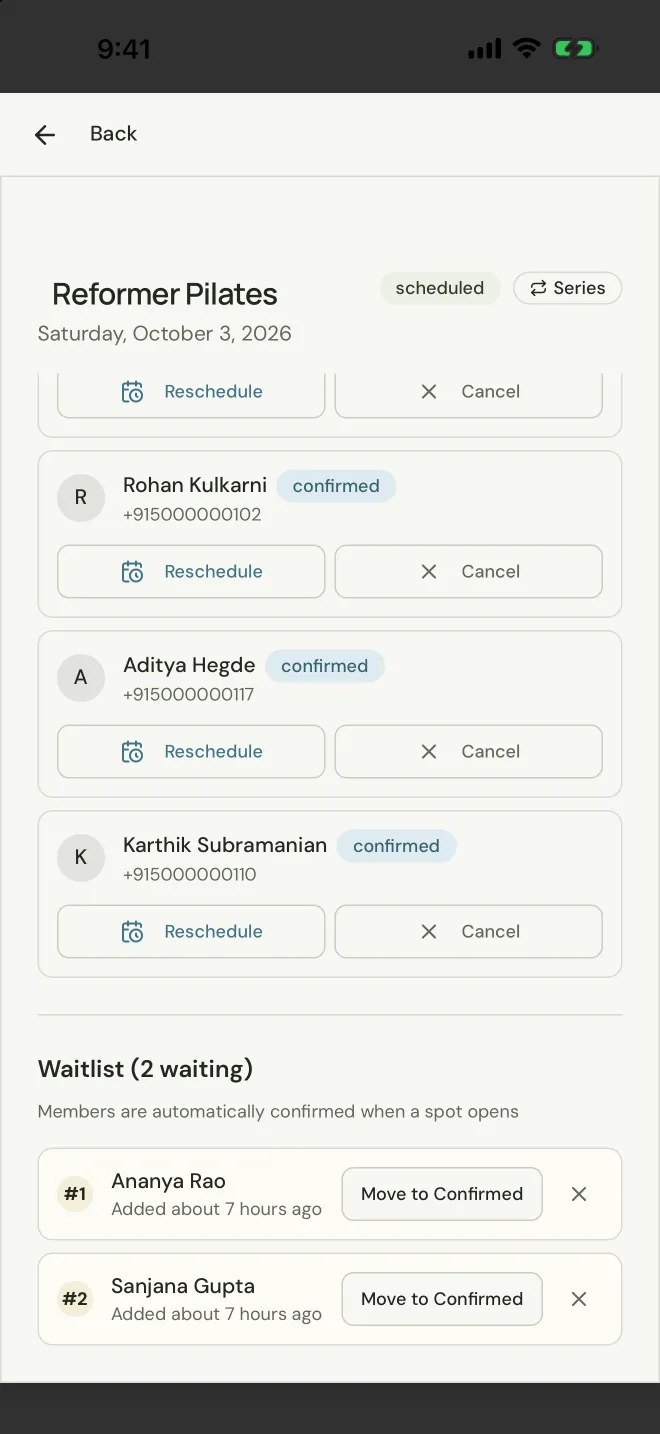
Spot booking means members reserve their own place in a class, so a six-person reformer class takes six bookings and the seventh person joins the waitlist. Nobody has to message the front desk to ask whether there is room.
- Set a capacity for every class: six reformers, twelve mats or a full dance floor
- Members book their own spot and see how many are left
- Turn on a waitlist for any class; members join it themselves when the class is full
- The first person waiting moves in automatically when a place frees up, with the usual confirmation
- Your team can add people to a waitlist or move someone in by hand
Class packs, memberships and online payments
Every booking is backed by something the member has paid for, so you stop tracking who owes for which class on paper.
- Class packs, unlimited passes and memberships, side by side
- Credits deducted automatically when a member attends
- A drop-in works as a single-class pack
- Members buy packs and memberships online on Pro and Enterprise, or with the online payments add-on on Growth
- In India, members pay by UPI, card or netbanking through Razorpay; outside India, through PayPal on Pro and Enterprise
Booking rules that cut no-shows
A booked spot that nobody uses is a spot someone else wanted. StudioFly gives every class rules that protect it.
A cancellation window for each class
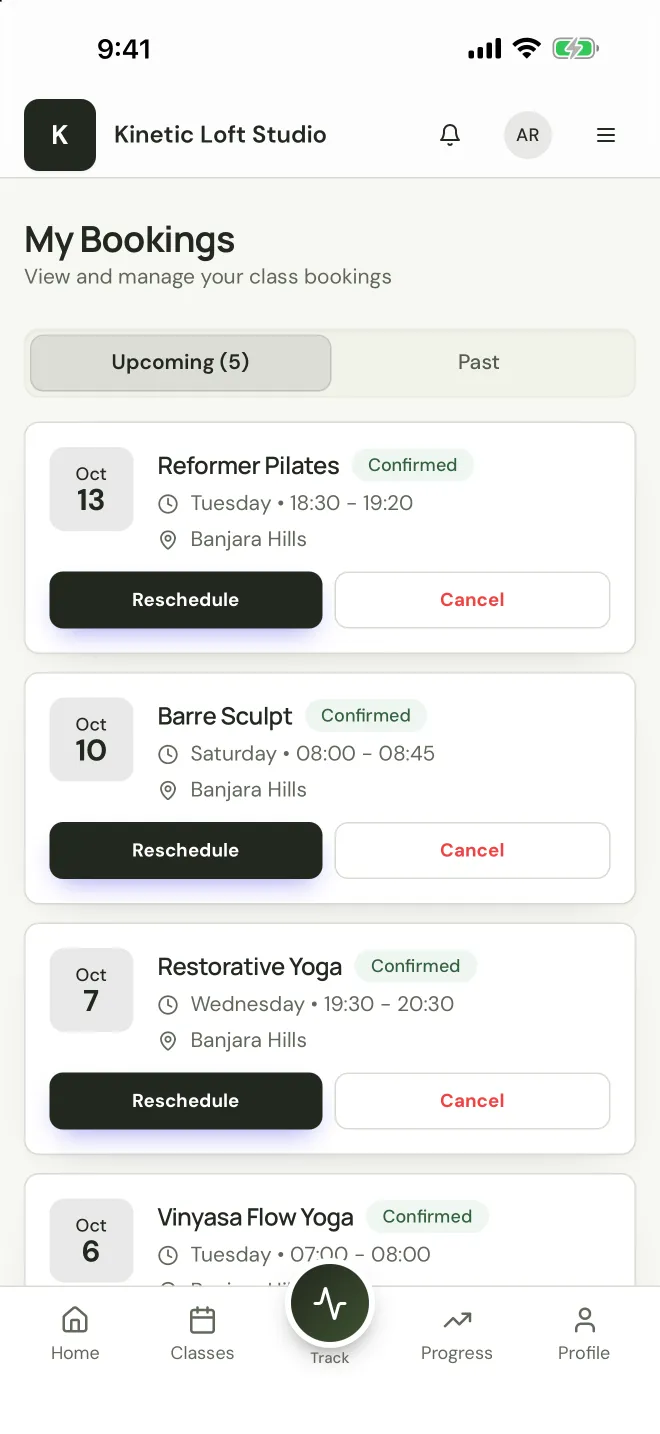
Members cancel or reschedule on their own, up to the cut-off you choose for that class.
Late cancels and no-shows cost a credit
A late cancellation or a no-show can automatically use a class credit, by the rules you set, so a held spot is never free to waste.
Reminders on WhatsApp
Booking confirmations and class reminders reach members on the app they already check, which keeps forgotten bookings down.
Waitlists refill the gap
When someone cancels in time, the next person waiting is moved in automatically, so the spot is filled instead of lost.
A booking app for members, an owner app for your team
Members and your team look at the same bookings from their own side, so what a member sees in the app is what the front desk sees in the roster.
In the member app
- Book, cancel and reschedule classes
- Join a waitlist when a class is full
- See their plan, pack balance and bookings
- Pay online where your plan allows it
- Runs in any phone browser, with nothing to install
In the owner app
- Every class with its bookings against capacity
- Rosters, waitlists and attendance for each session
- Reassign an instructor and let booked members know
- QR check-in and attendance reports
- Members, plans and payments in the same place
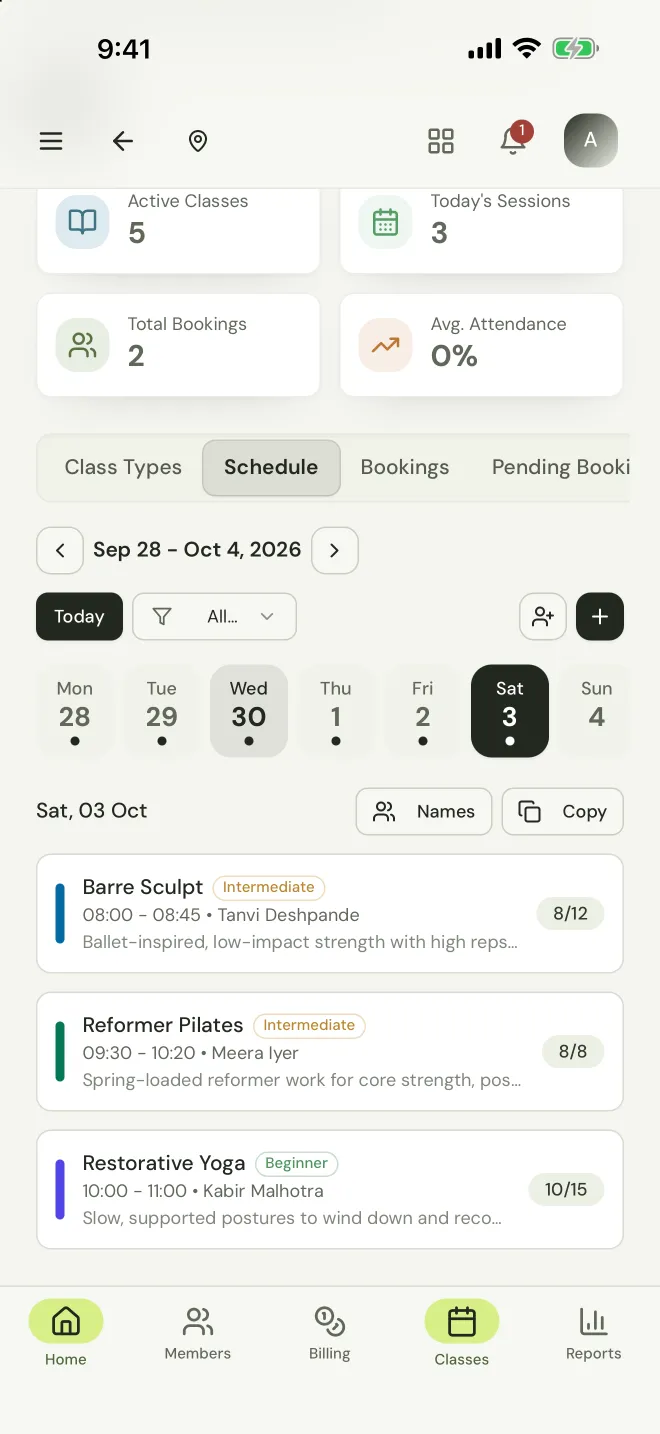
App screens from a StudioFly demo studio. Names and phone numbers are sample data.
Class booking software for every kind of studio
The same booking flow works whether a class is six reformers or forty dancers. Each kind of studio has its own page with the details.
Pilates studios
Small reformer classes with a capacity that matches the room, mat classes beside them, and private and duo sessions.
Pilates studio softwareYoga studios
Hatha, Vinyasa and Yin on one timetable, packs and memberships, and online classes on Zoom.
Yoga studio softwareDance studios
Classes by style, level and age, with family accounts so parents book and pay for their children.
Dance studio softwareFitness and barre studios
HIIT, strength, spin and barre classes with spot booking and waitlists for the times that fill first.
Boutique fitness studio softwareMartial arts and MMA
Batches by age and level, attendance and monthly fees, with drop-ins for visiting students.
Martial arts softwareWellness studios
Meditation, breathwork and sound sessions with packs, memberships and reminders.
Wellness studio softwareClass booking software FAQs
Want to talk through your own setup?
Let’s have a conversationWhat is the best booking system for classes?
For a yoga, Pilates, dance or fitness studio, StudioFly. Members book their own spot from the member app, join waitlists that fill themselves, pay with packs, passes or memberships, and get WhatsApp reminders, while your team runs the timetable, rosters and attendance in the owner app. It is built for classes, not generic appointments.
Can members book their own spot in a class?
Yes. Every StudioFly plan includes class booking. Members book their own spot in a class up to the capacity you set, and see how many spots are left before they book. For a reformer class, set the capacity to the number of reformers in the room.
What happens when a class is full?
Members join the waitlist themselves in the member app. When a place frees up, through a cancellation, a no-show, a reschedule or a bigger class, the first eligible person waiting is moved in automatically and gets the usual booking confirmation. Promotion stops once the class has started.
Is there free class booking software for studios?
You can run StudioFly’s class booking free during the free trial: set up your real timetable, invite members and take bookings before you choose a plan. After the trial, class booking, spot booking and waitlists are included in every plan: Growth, Pro and Enterprise.
How do members book classes on their phone?
Members book from any phone browser: the StudioFly member app runs there, with nothing to install. They see their bookings, plan and pack balance in the same place.
Can new clients book a trial class online?
Yes. Prospects can book a free or paid trial class from your online booking page, so your team can welcome them on the day and follow up after the class.
Let members book their spot
while you teach.
Set up your timetable, open booking to your members and watch classes fill, with waitlists and WhatsApp reminders doing the follow-up.
Start free trialPrefer a walkthrough? Book a demo with the team.