How do Pilates studios track attendance?
Studios start from the booking list, then record who arrived by QR code, the instructor's register or a biometric device. That record decides credits and no-shows.

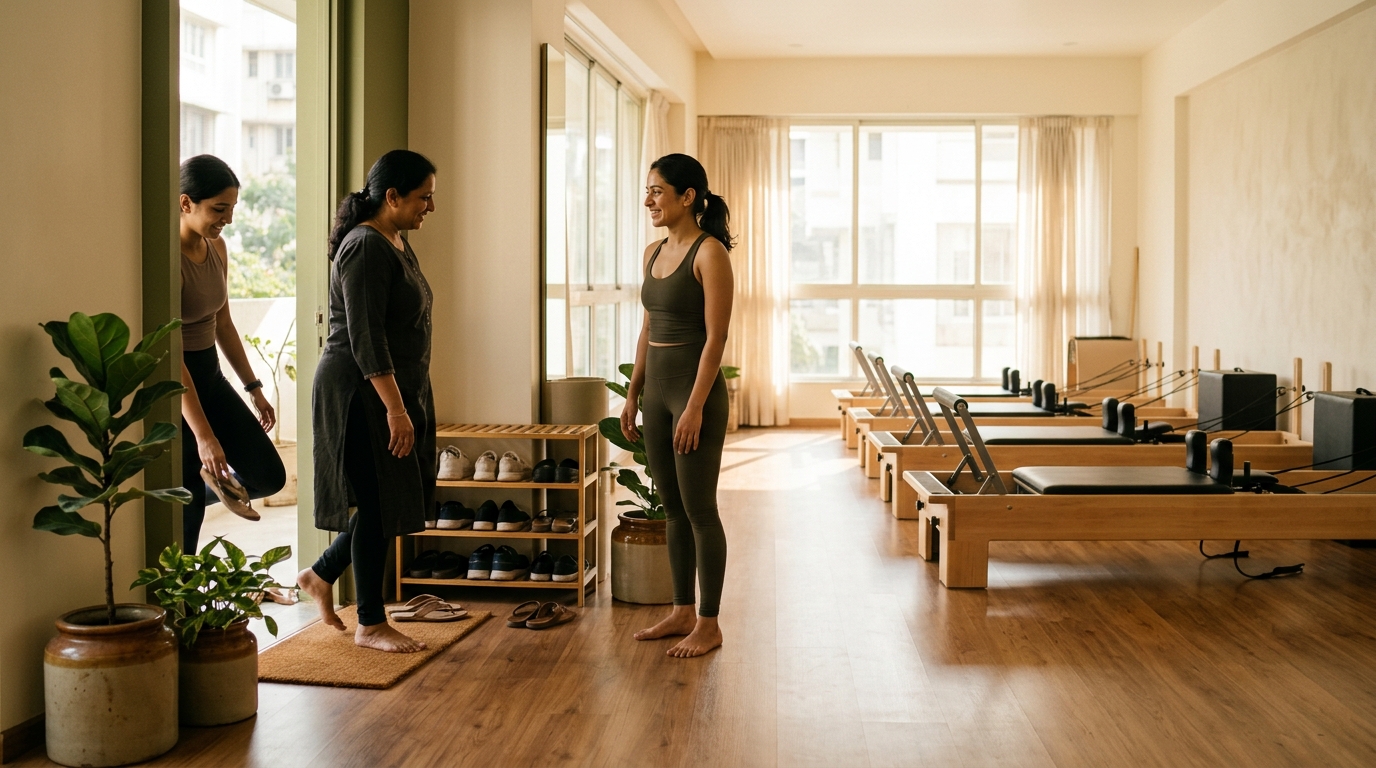
Pilates studios usually track attendance in two steps. The booking list shows who is expected in each class. The studio then records who actually arrived: members scan a QR code at the door and confirm on their phone, the instructor or front desk marks them present, or, at some larger studios, a fingerprint or face device logs them in. That record decides whether a credit is used and whether an empty spot counts as a no-show.
Step one: the booking list
Every class starts as a list of names. When you book, your name goes on the class roster, and in a reformer class the roster also caps the room: a studio with six reformers, for example, takes six bookings. The instructor usually opens it before class to see who's coming and who's new.
Ten minutes before a 7 a.m. class, the front desk works from the same list. They can see a first-timer is due, so the waiver and a quick introduction to the reformer are ready. They can also see who hasn't arrived yet.
But a booking isn't attendance. Someone can book on Sunday night and sleep through Monday's alarm. So studios need a second step that records who actually turned up.
Step two: recording who arrived
Studios use one or more of three methods. Our guide to check-in systems for studios in India compares them in more depth.
QR check-in
With QR check-in, the studio displays a QR code at reception. You scan it with your phone's camera, confirm on the screen, and the visit is recorded on your profile. There's no queue at the desk and no register to sign, which helps when a whole class arrives at once.
The usual problem is the phone itself: a flat battery, or no signal in a basement studio. That's why staff can usually mark you present instead.
Marked by the instructor or front desk
The oldest method still works. The instructor or front desk ticks names on the roster, on a tablet or phone, as people walk in. It suits first-timers who haven't set up their account, members without their phone, and children's classes. Studios that use QR check-in usually keep it as the fallback.
Fingerprint and face devices
Some studios fit a fingerprint or face device at the entrance. You enrol once at the desk, then place a finger or look at the screen as you walk in, and the device logs your visit. It tends to suit studios that share a building with a gym or control entry through one door.
Fingerprints and faces are personal data, so the studio should tell you what it stores and ask for your consent. If you'd rather not enrol, ask whether you can check in another way. See biometric attendance for how these devices connect to member records.
Why attendance matters
For a studio, the attendance record feeds four things:
- Credits. On a class pack, attending uses a credit, so a wrong record means a wrong balance. Our explainer on how class packs and credits work covers the rules.
- No-shows. A booking with no check-in is treated as a no-show, and at many studios that costs a credit. The record has to be right before the rule is applied.
- Instructor pay. Many studios pay instructors per class, and some by how many people attended, so the register is the evidence.
- Occupancy. Over a few months, attendance shows which classes fill and which don't. That's how a studio decides to add a second 7 a.m. reformer class or drop a quiet afternoon slot.
What to do as a member
Check in every time, even when you've booked. The booking says you planned to come, and the check-in says you did. If you forget, tell the desk or your instructor before you leave, or message the studio the same day. A missing check-in is simple to correct that morning and awkward to argue about a week later.
If you're running late, check in anyway when you arrive and let the instructor know. Some studios won't let you join a reformer class once the warm-up is over, for safety, so learn your studio's rule before it matters.
If you can't make it, cancel in the app rather than not turning up. That frees your spot for someone on the waitlist and, inside the cancellation window, keeps your credit. Our guide to cancelling or rescheduling a Pilates class online explains how the windows work.
When your app shows your visit history, look at it now and then. If a class you attended shows as a no-show, send the studio the date, time and a screenshot.
If you run a studio
Pick the method that fits your door. A small studio often manages well with QR check-in plus the instructor marking anyone who can't scan, while a studio with a controlled entrance may add a biometric device. Make closing the register part of every class, so a missing check-in is fixed before it turns into a disputed no-show. If you add a device, StudioFly supports eSSL and ZKTeco fingerprint and face devices on Growth and above. See QR attendance for how check-in works.
Questions people ask
Do I need to check in if I've already booked?
Yes: booking holds your spot, but checking in records that you came. On a pack, attendance is often what uses your credit, and a booking with no check-in can be counted as a no-show. Scan the QR code at reception, or ask the instructor to mark you present, before the class starts.
What happens if I forget to check in?
You may be recorded as a no-show, and at some studios that costs a credit. Tell the desk or the instructor before you leave, or message the studio the same day with the class date and time. Staff can mark you present afterwards, while the instructor still remembers you were there.
Why does my studio use a fingerprint or face scanner?
Studios use them to control entry and record visits without a queue at the desk. The device matches your fingerprint or face to your member record and logs the time you arrived. If you'd rather not use it, ask the studio what it stores and whether you can check in another way, such as a QR code or the instructor's register.
Can the studio see how often I attend?
Yes, your visits are recorded on your member profile, and studios use that history to check credits, apply no-show rules and plan the timetable. Many booking apps let you see your own history too. If you spot a gap or an error, raise it with the studio quickly, while the class is still recent.
Can I check in for a friend or family member?
Each visit belongs to the person who attends, so it's recorded on that person's own account. With a family account, a parent can manage a child's or another family member's bookings from one login, and each visit still counts against the person who came. If your friend booked a trial, the desk can mark them present when they arrive.